How FLINT works
Choose an activity and how long you want to do it. Scan a sticker before and after to earn minutes for your selected apps.
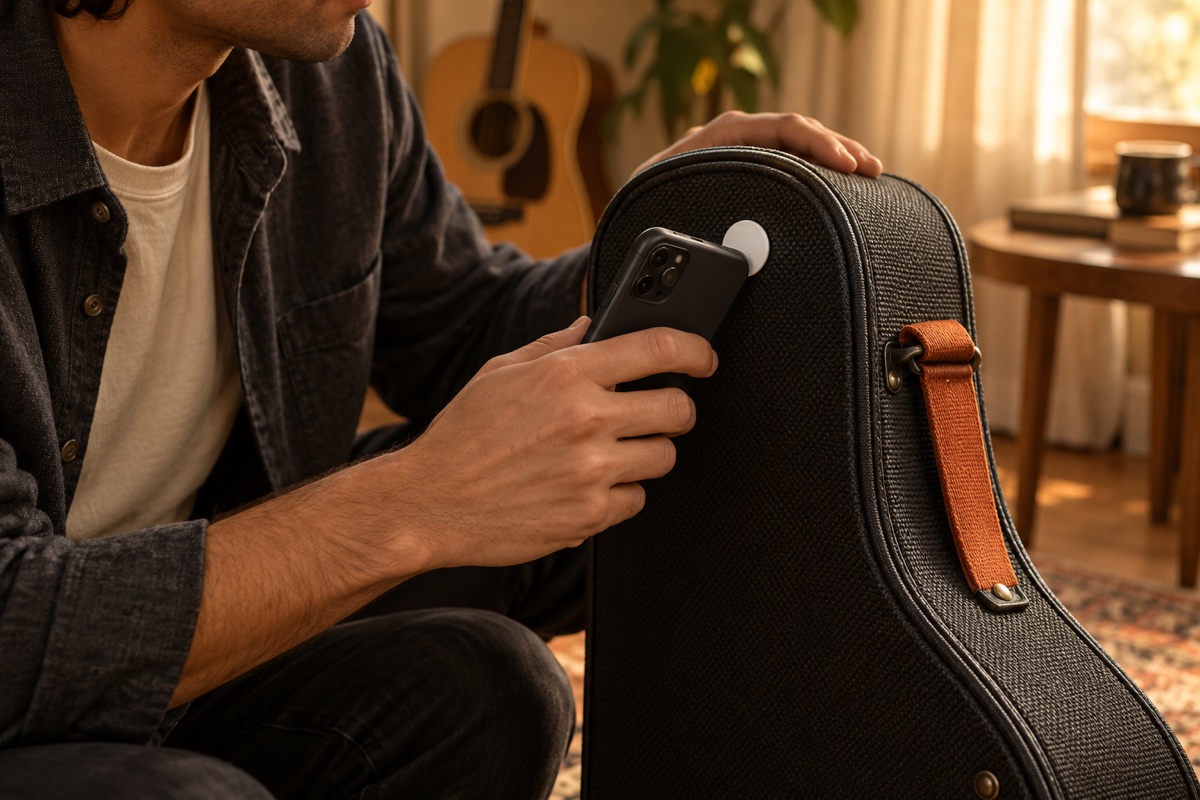
Scan your sticker
Hold your phone near the sticker you linked to your activity.

Do your activity
Read, play guitar, walk, or do something else for the time you chose.
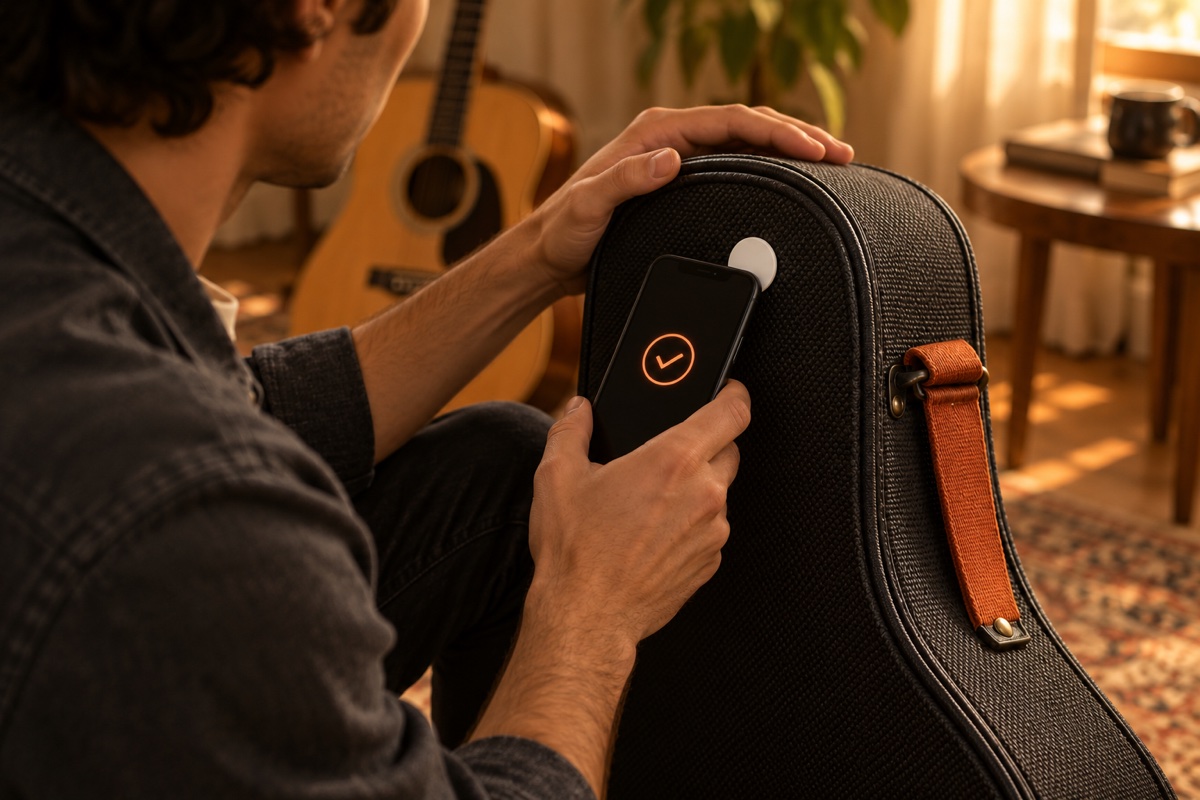
Scan again
When the time is up, scan the same sticker to finish.
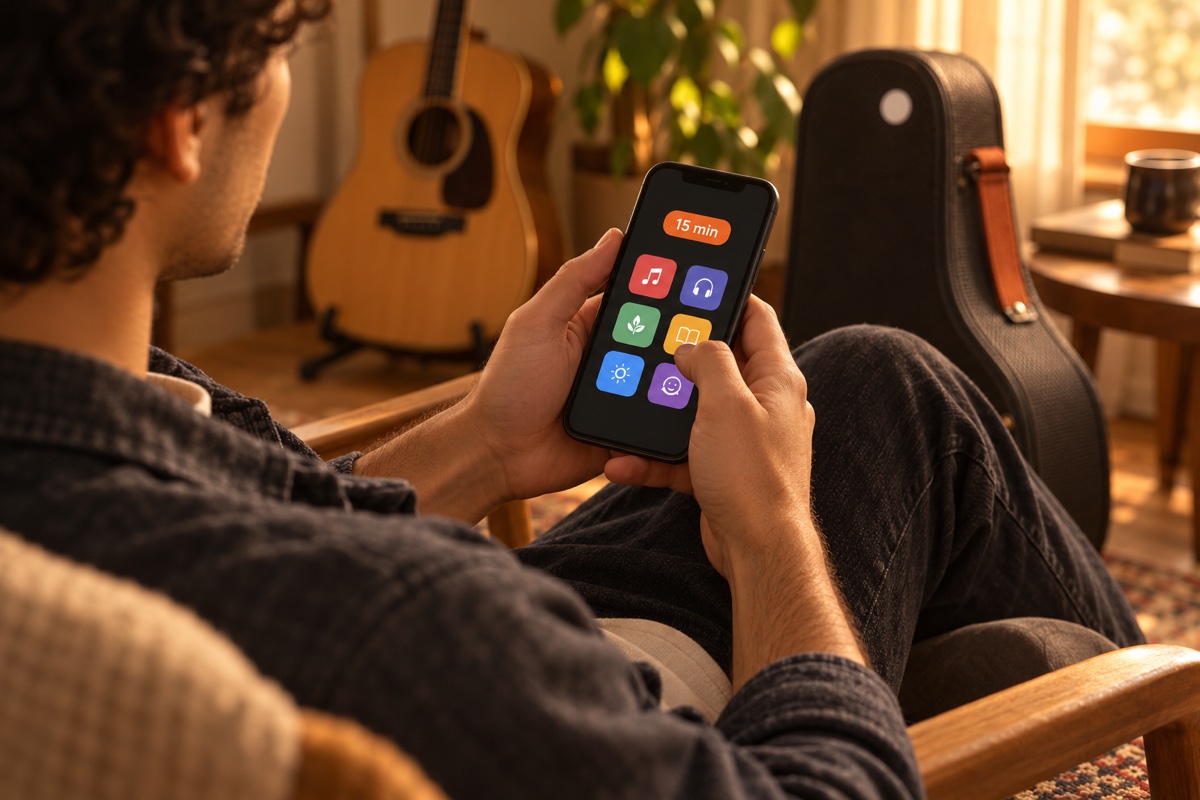
Use your minutes
Spend the minutes you earned on the apps you selected.
Try an example
In this example, 45 minutes of guitar earns 15 minutes of screen time. We skip the wait here so you can try both scans.
This example does not scan a sticker or add minutes to your phone.
Practice guitar
45 minutes of practice · 15 minutes earned
Ready to start the example.
What FLINT checks
FLINT checks that you scanned the same sticker twice and that enough time passed between scans. It cannot tell whether you actually did the activity.
Start and finish at the same sticker
For a walk, leave your sticker at home. Scan it before you leave and again when you return.